
Reuse the same capture
Copy the image or prepare an X post from the capture card. Both use the same image and timestamp, without saving another PNG.
YOUTUBE / CHROME EXTENSION
Save and copy memorable YouTube frames. Return to the moment with timestamp links in your local gallery.
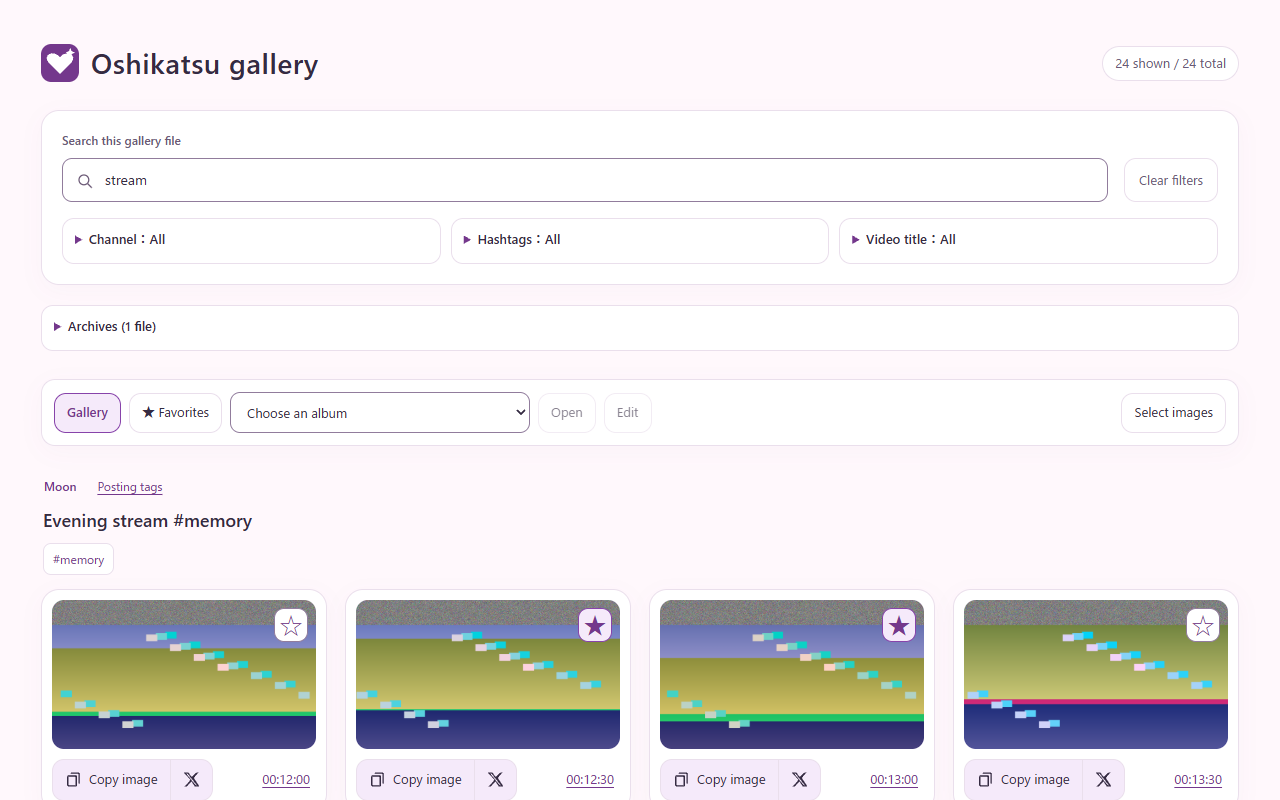
Copy the image or prepare an X post from the capture card. Both use the same image and timestamp, without saving another PNG.
Use favorites and albums to put today’s best moments together. Switch views within the same gallery screen.
A link such as “01:23:45” opens the captured playback position. Video URLs prepared for X include that timestamp too.
Copy a single moment or save a whole collection. Choose the behavior that suits you in settings.
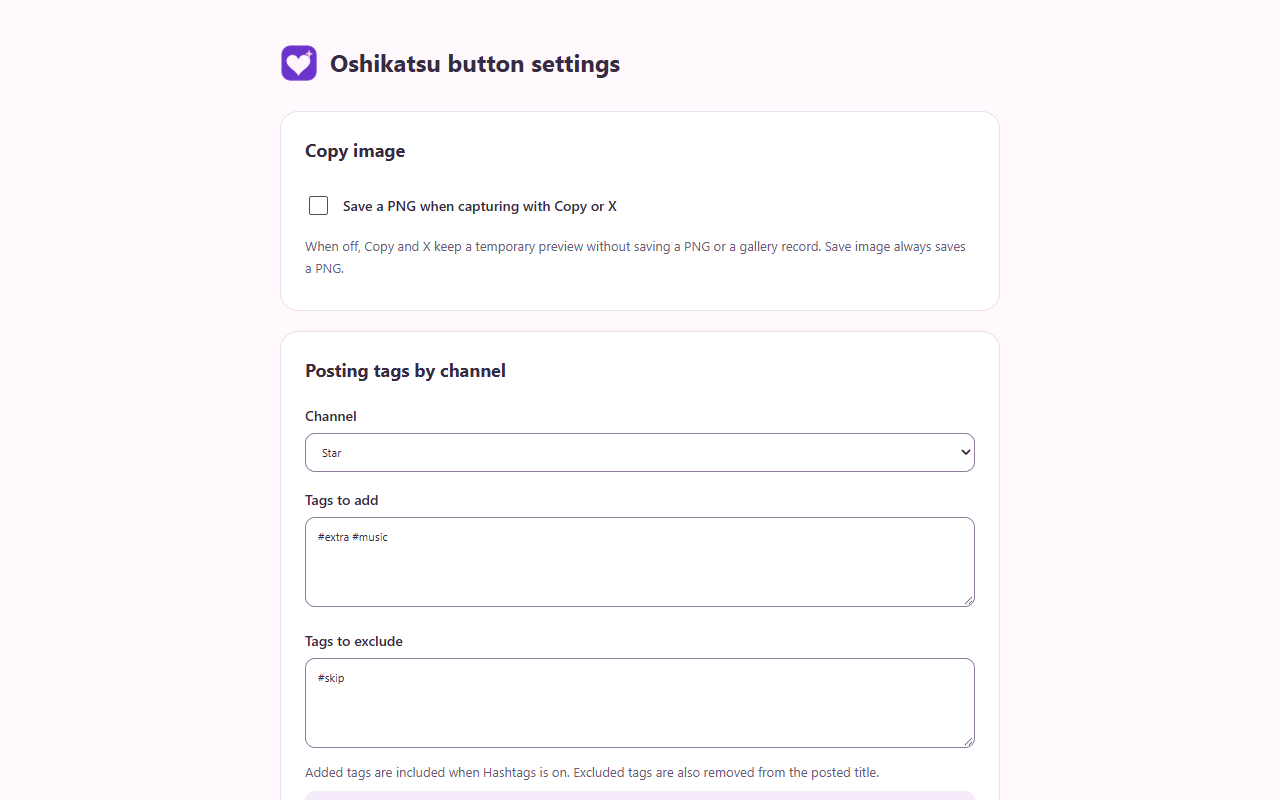
Choose hashtags, title and URL separately. Remember added or excluded tags for each channel, and avoid repeating tags already in the title.
Archive galleries by video, with a default target of 1,000 images and date-range links. A video stays together. Turn automatic updates off and rebuild later to include saved captures.
Controls appear on supported video and live watch pages on desktop YouTube.
Save image creates a PNG. Choose whether Copy and X also save a PNG; saving is on by default.
Select Open gallery from the extension popup. For X, paste the image yourself, review your post and publish when ready.
No separate account, analytics or advertising. An X action sends your chosen post text to X; you paste the image and publish the post yourself.